Introducing: Conversation Coach App!
From the company that brought you “Picture This” and “Interactive Vocabulary Building Software,” Silver Lining Multimedia Inc. has created “Conversation Coach”!! The company was generous to provide with a copy to try in order to share my thoughts with you. Just note, the opinions are all mine!

This app is great for students learning conversational skills and expanding verbal expression. You can use it 3 ways:
-Talk to a friend (talk)
-Make a statement (tell)
-Talk to the computer (practice)

Not sure which activity to use with your student, you can see your choices right on the app!

You have the option to plug in students and modify activities for them. You can designate activities for readers and nonreaders for easy selection and use. You can decide, for Johnny I always want him to work on greetings, and you can!

Above you can see the topics to choose from. Under each topic, you can select for voice output, multiple choice, and more.

Above is an example of the practice or using the computer. This was for a student that can read but you can always read it to them. You can also edit each page to record your voice if desired! Have groups with students working on articulation sounds? Make sure they answer these questions using their sound!

This is an example of the “tell me a statement” mode. This was from the “personal information” section. This is great for practicing personal information and when one would be required to give it. Who should they give their address to and who not to? This could be great for practicing that!


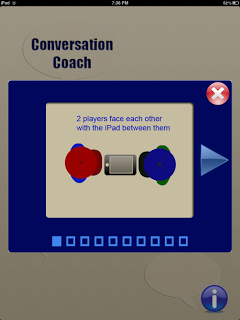
This is the conversation or talk mode. This should be done with two students sitting across from each other and the iPad in between them. it allows them to read or hear questions/statements and then repeat to each other. Once completed, they can pass the “ball” to their peer. This is a great visual for turn taking. I always like using passing a ball to teach turn taking and was extremely excited when I saw it incorporated into the app.
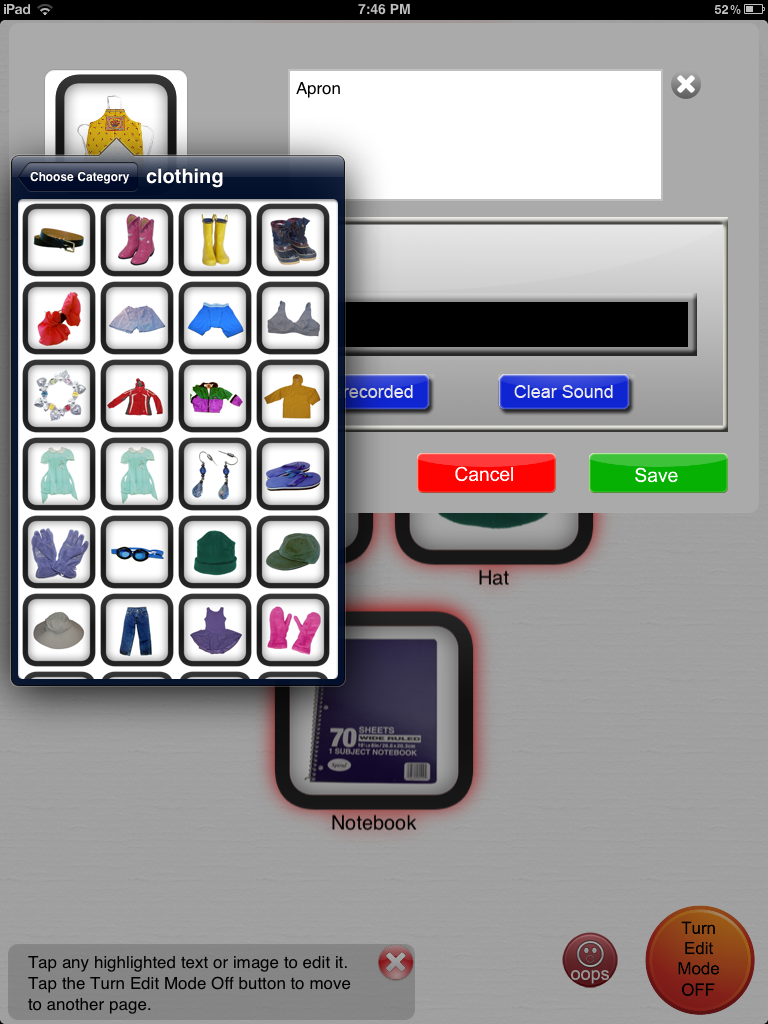
All modes, topics, and pages can be edited. You can add lines to the conversation, add audio or change pictures. There is a gallery to choose from, take from your photos or take a picture.